Flags of the World
An app to browse and learn the national flags of the world.
Download & Play
※Get & update the app on Google Play.

Screenshots

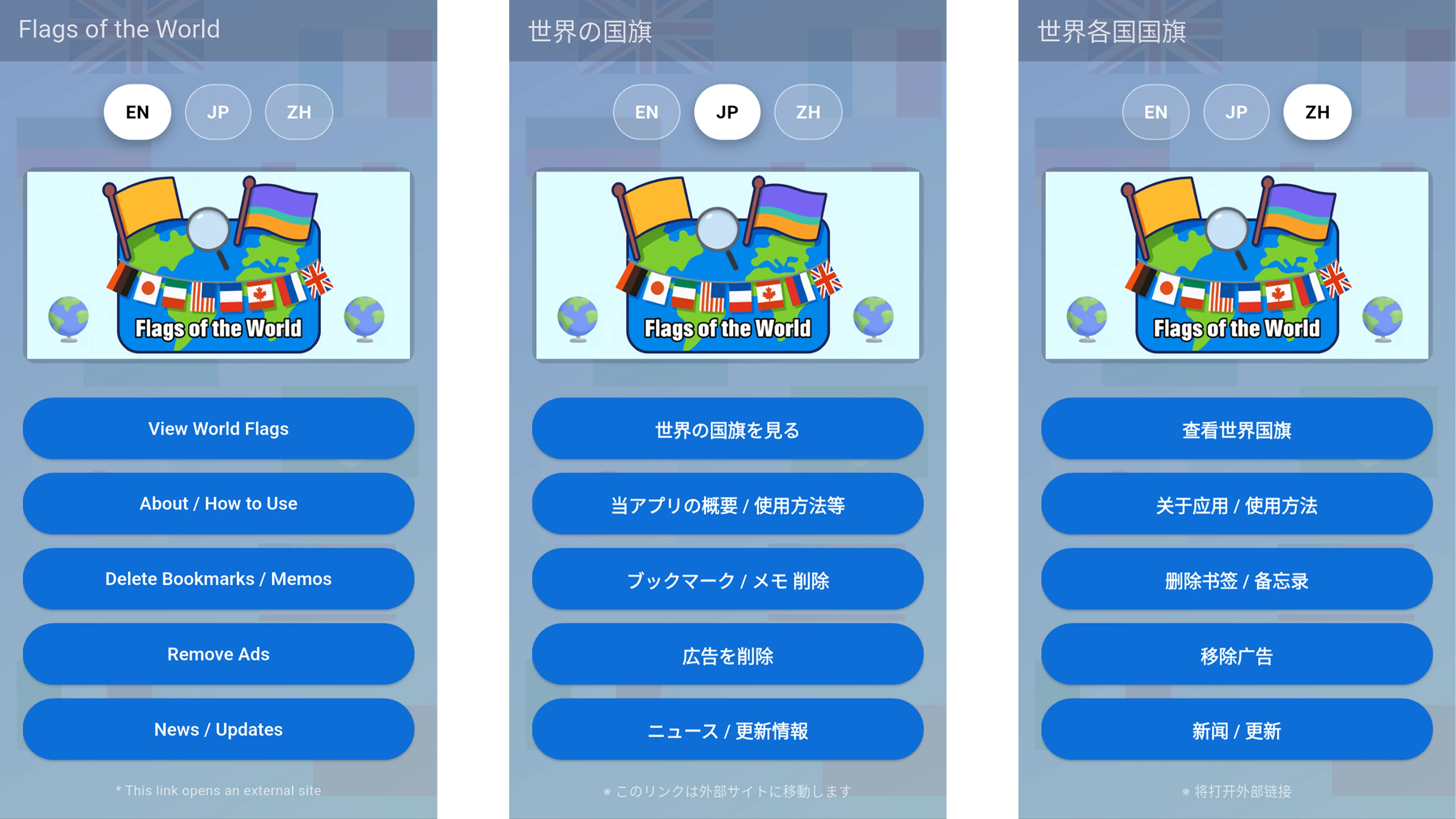
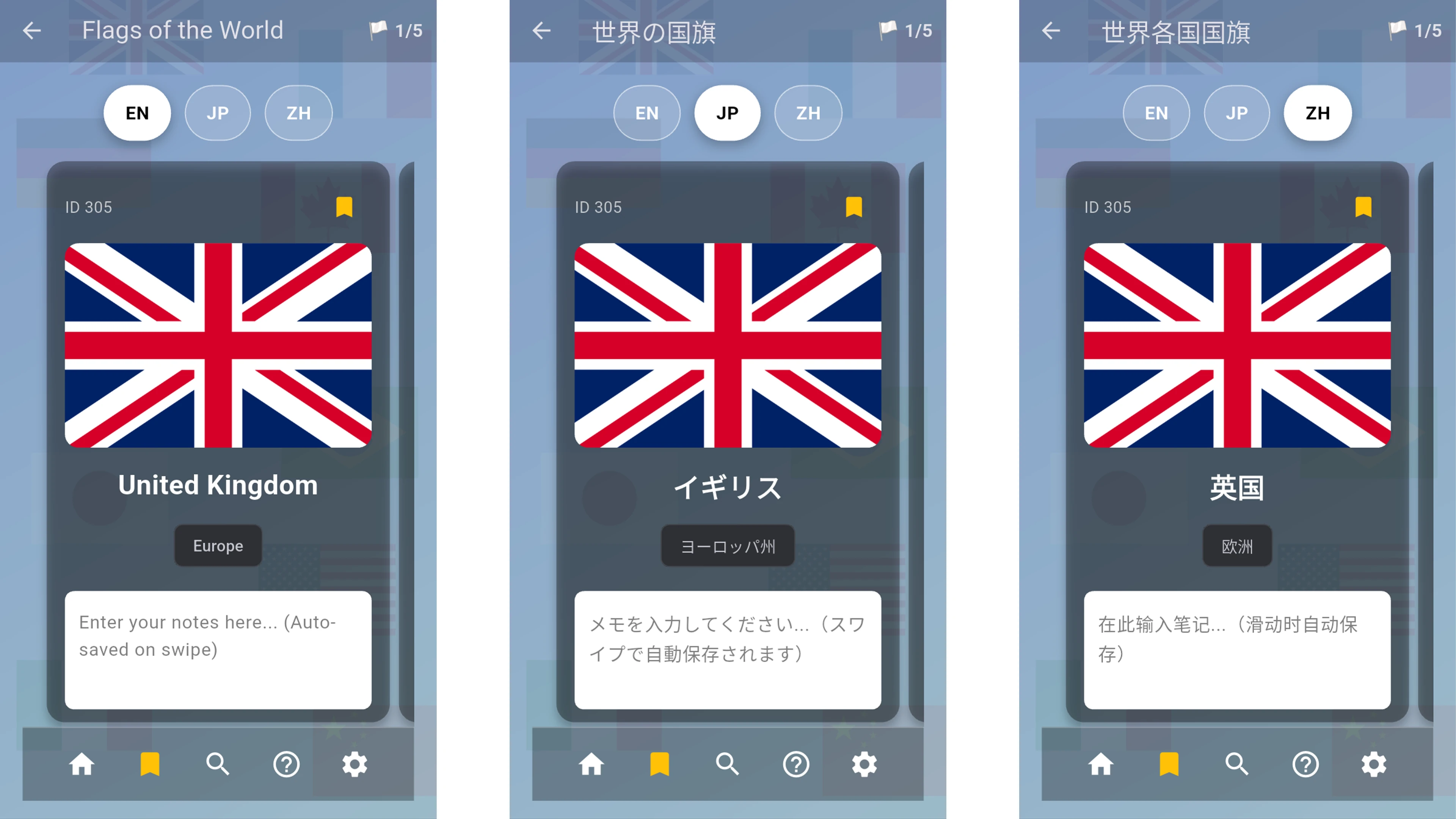
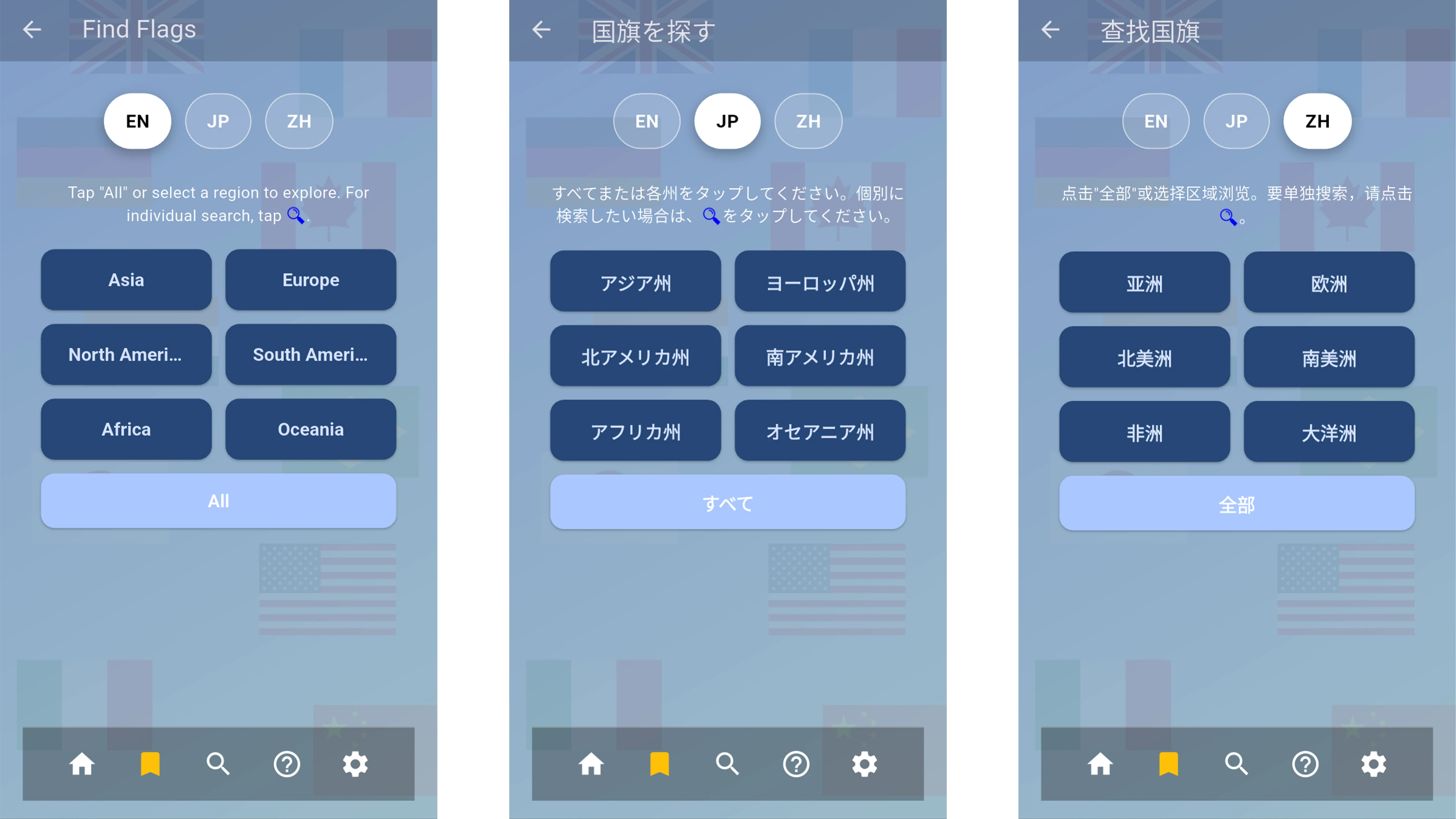
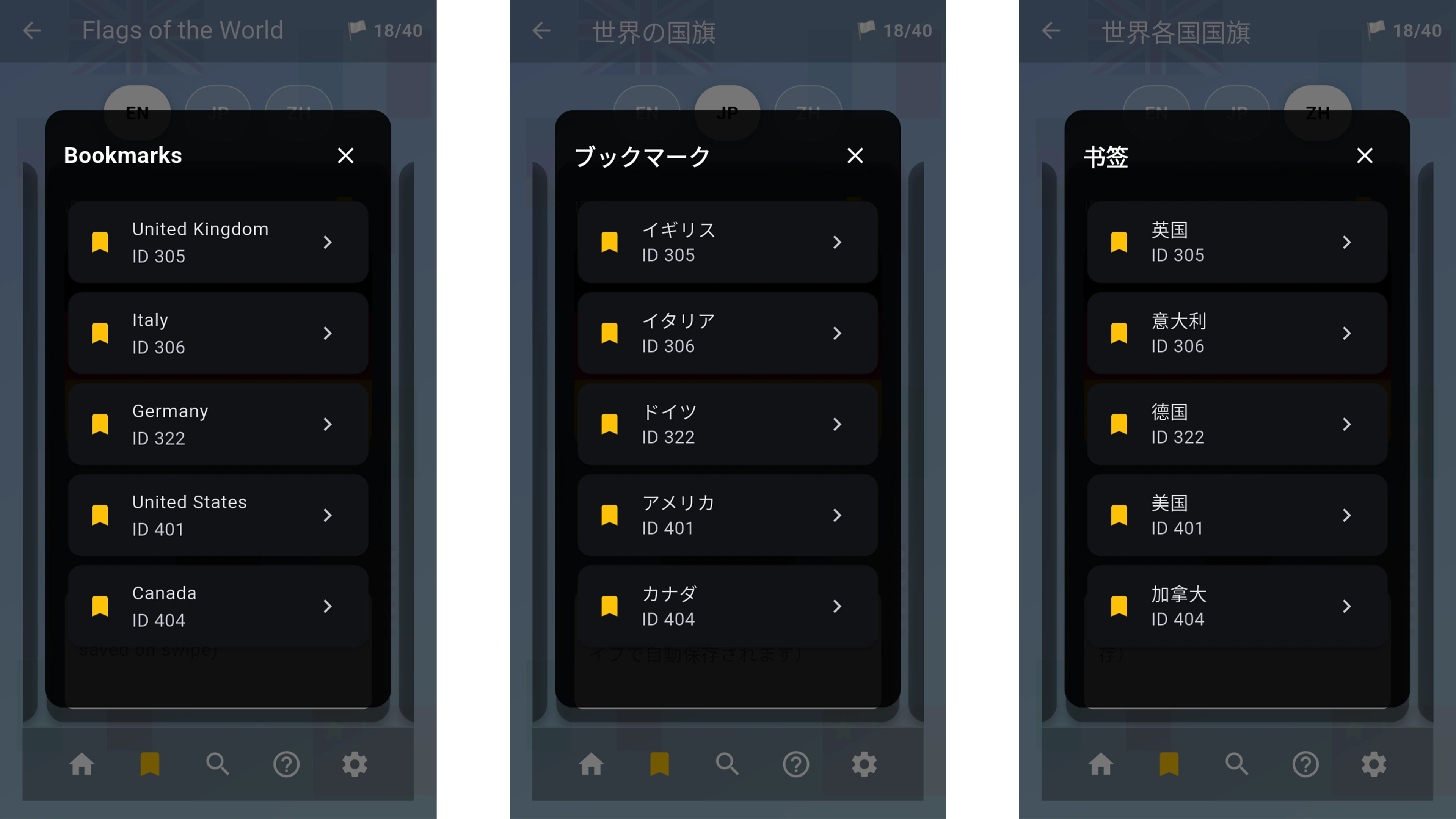
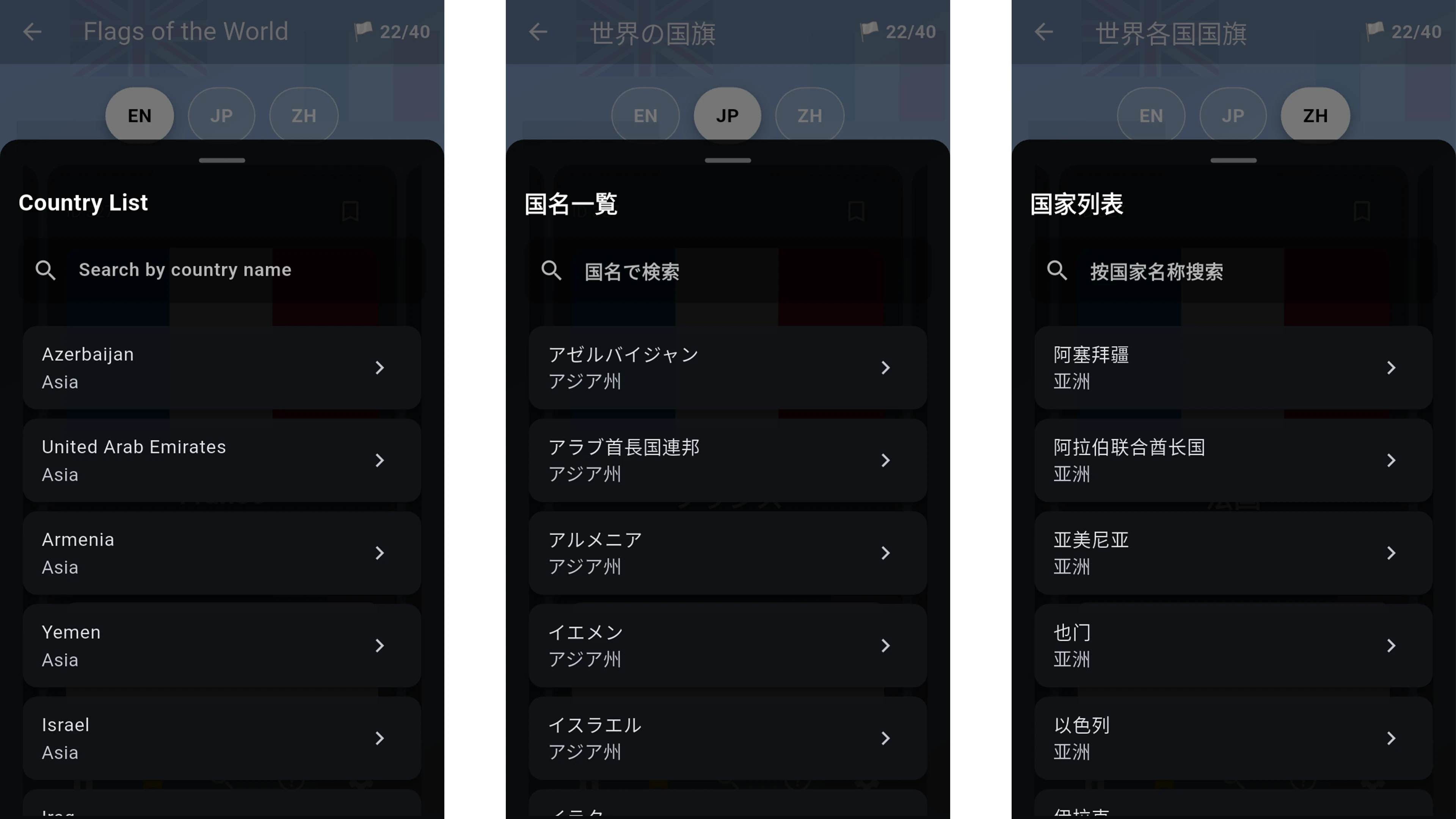
[ App Description ]
An app to browse and learn national flags from around the world.
You can explore flags by region, swipe through them, bookmark favorites, and save personal notes for study.
[ Tutorial ]
Main Features
- Large flag collection: browse flags of countries and regions worldwide.
- Browse by region: Asia, Europe, North America, South America, Africa, and Oceania.
- Country search: partial-match search in the currently selected language (e.g., in Japanese mode "日本" works, but "JAPAN" does not).
- Bookmarks: save favorite flags for quick access.
- Notes: write your own notes for each flag (auto-saved).
- Multi-language support: English, Japanese, and Simplified Chinese.
How to Use
- Tap "View World Flags" from the main menu.
- Choose a region, or tap "All" to browse every flag.
- Swipe left/right to switch flags.
- Tap the bookmark icon to add to favorites.
- Write freely in the notes area (auto-saved when switching).
- Use the bottom toolbar to access bookmarks and search.
About Search
Country search works based on the currently selected display language.
- In Japanese mode: "日本" matches, but "JAPAN" does not.
- In English mode: "Japan" matches, but "日本" does not.
This design helps you learn country names in the language you are studying.
Bookmarks and Notes
- Bookmarks: save frequently viewed flags and open them quickly from the list.
- Notes: write personal notes for each flag.
Notes are stored locally on your device. They may be lost if you clear storage/cache, reinstall the app, or change devices.
Study Tips
- Learning by region makes memorization easier.
- Bookmark similar-looking flags and write the differences in notes to compare them.
- Start with countries you often see, then expand to nearby regions for steady progress.
[ Notes ]
- The memo feature is simple. Please do not record important information in it.
- We are not responsible for any loss of saved content caused by crashes, OS updates, device condition, storage/cache deletion, and the like.
[ In-App Purchases ]
- To continue development and operation, we ask for your understanding regarding ad display.
- In-app purchases let you hide ads.
- Note: An internet connection is required to update the app or view external links.
[ Supported Languages ]
- English / Japanese / Chinese (Simplified)
Download & Play
※Get & update the app on Google Play.