Tap the Number Training Quiz
A listening quiz to train your ear for spoken English numbers.
Download & Play
※Get & update the app on Google Play.


Screenshots
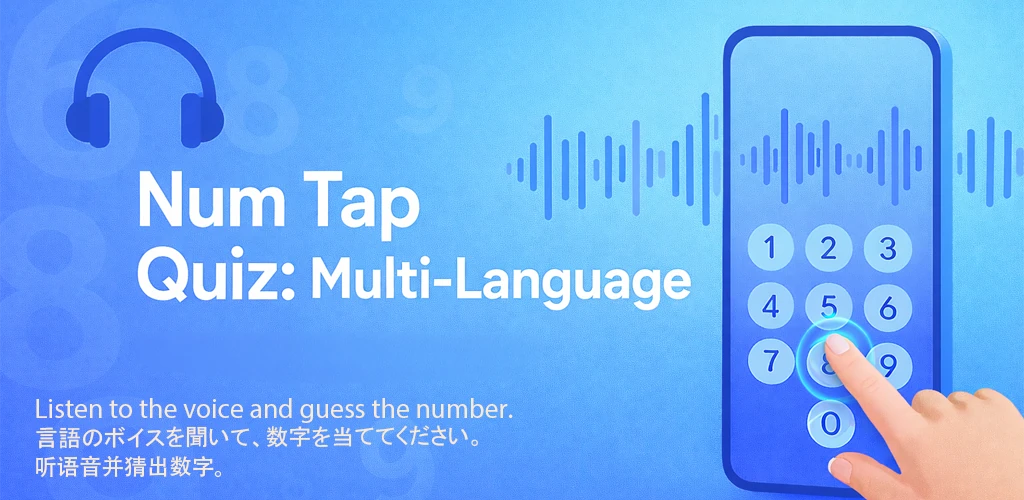
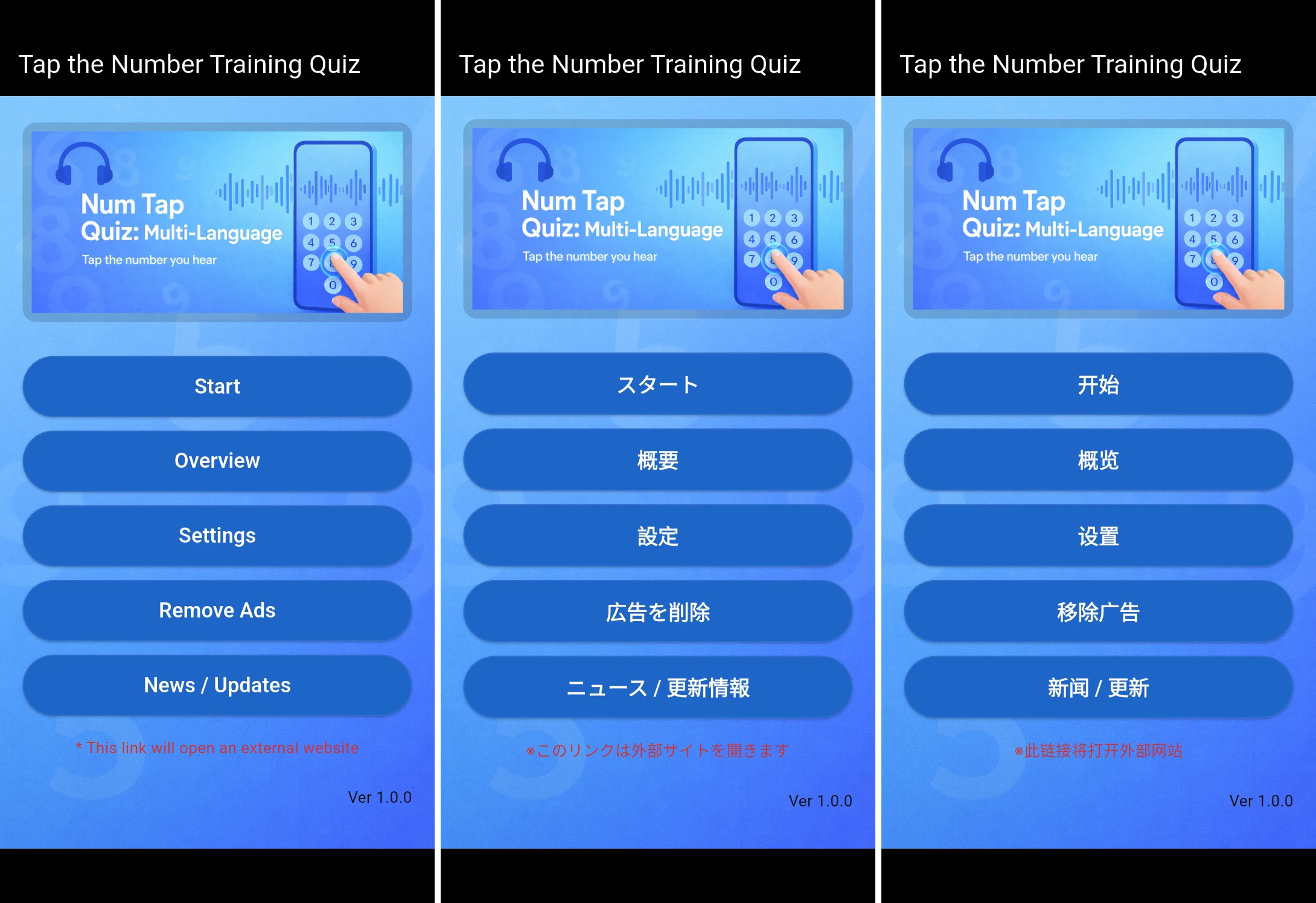
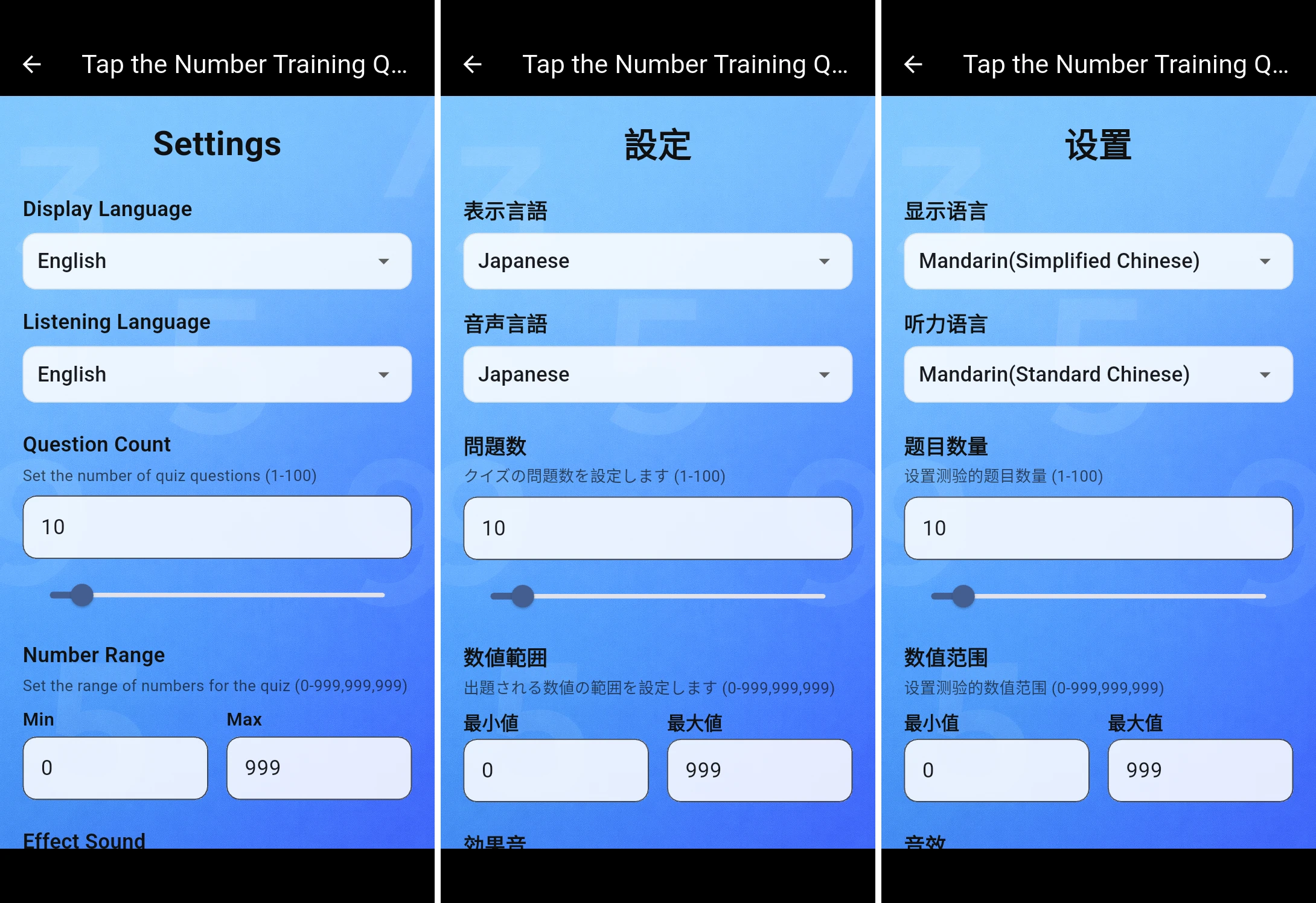
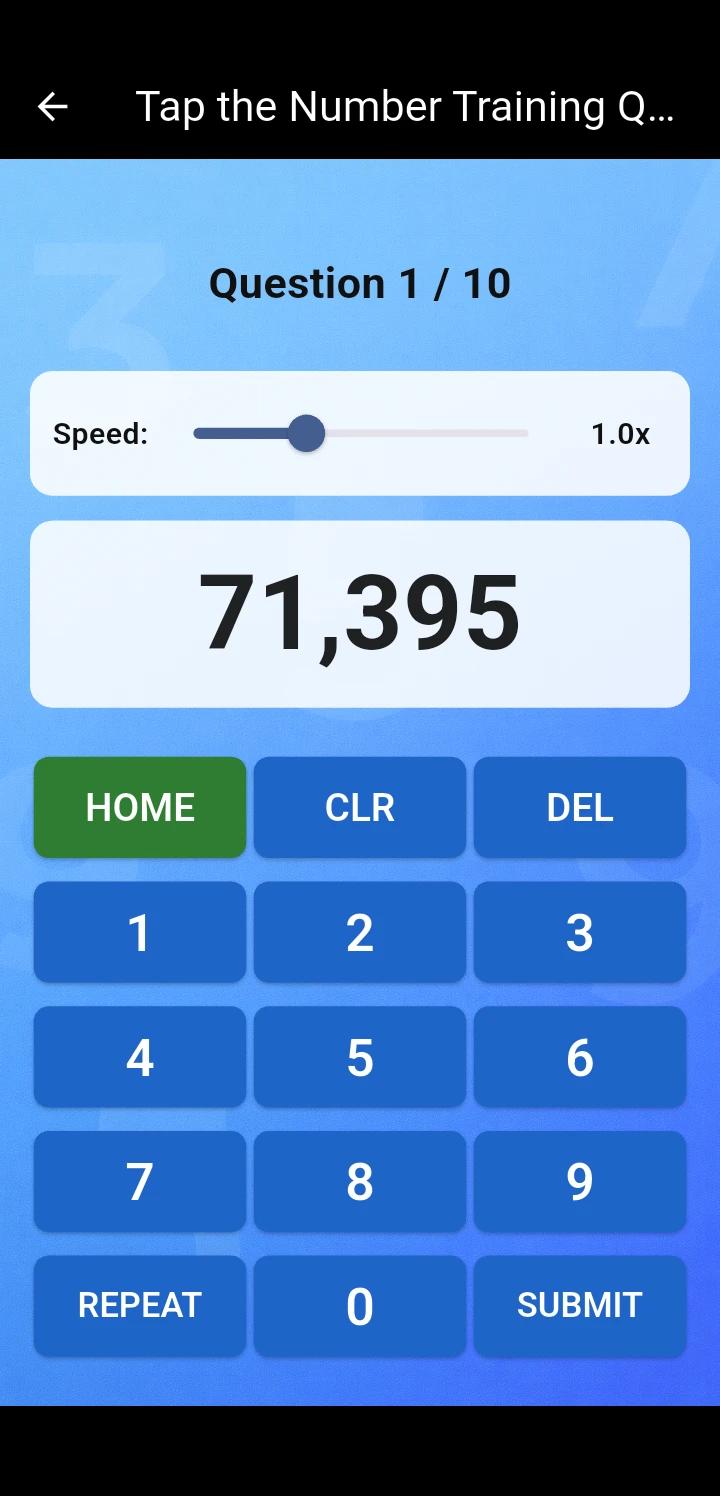
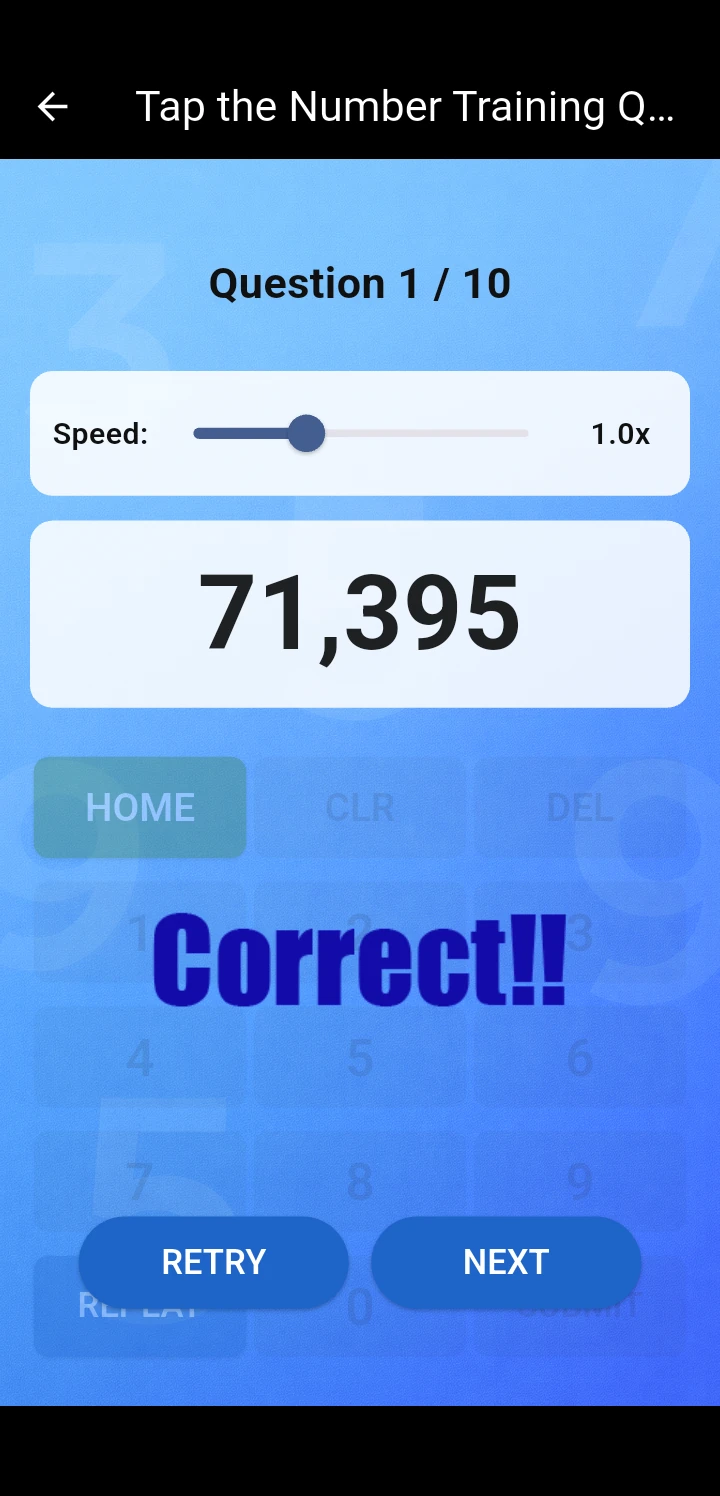
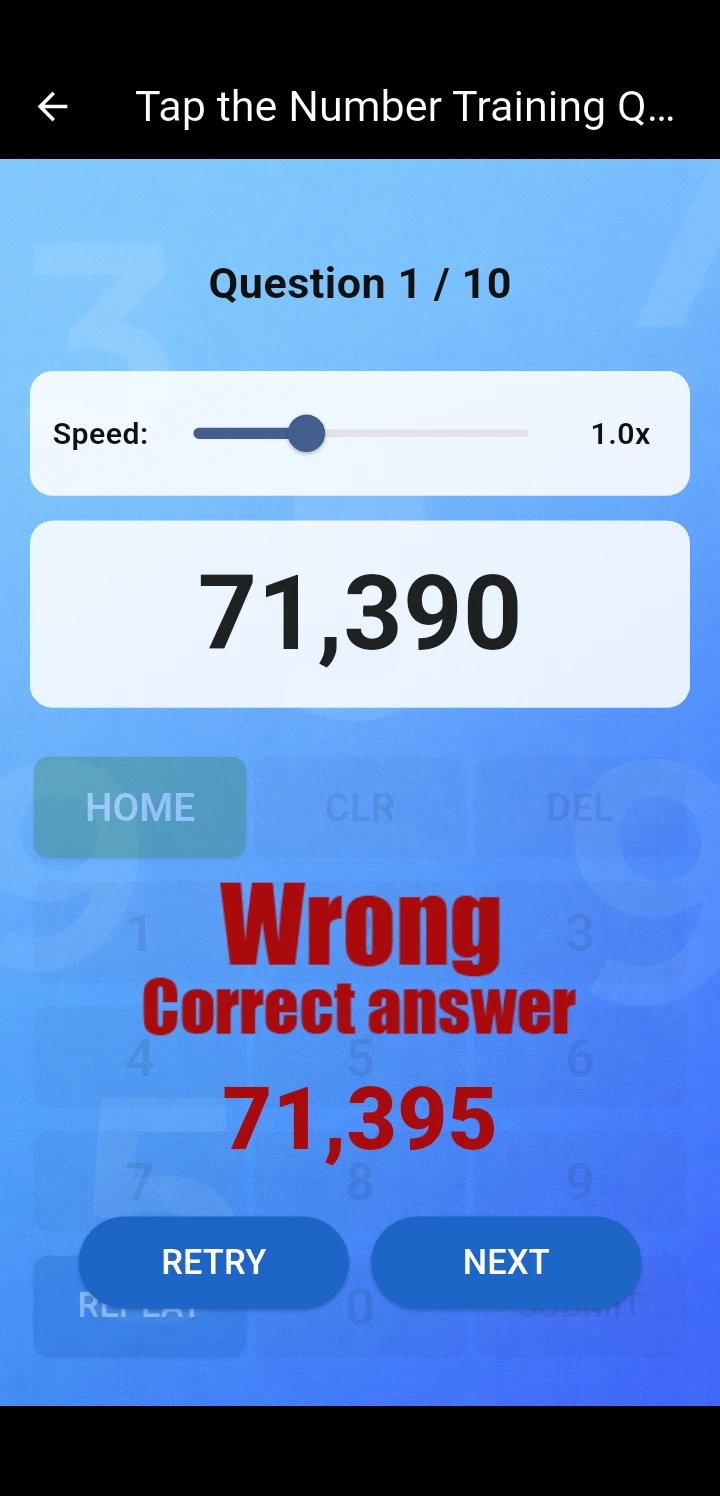
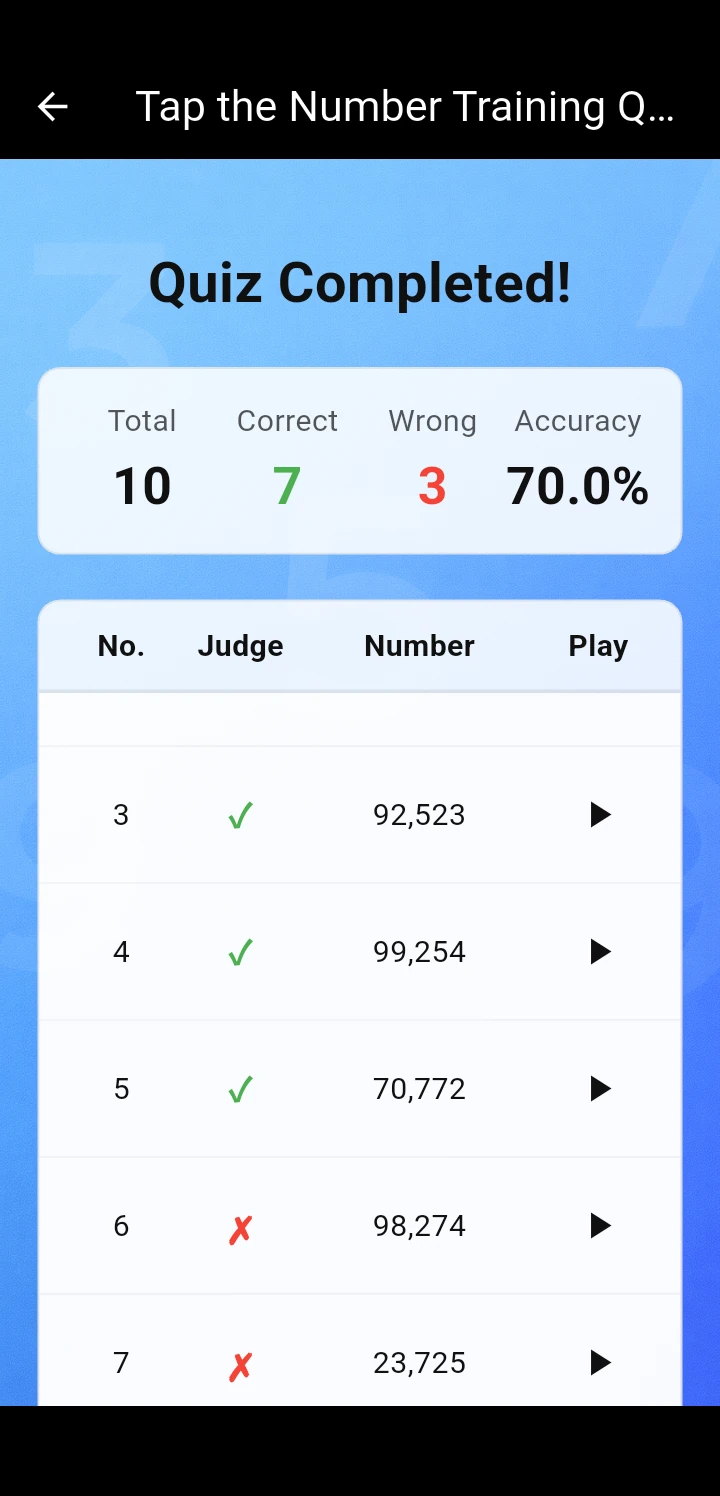
[ App Description ]
Listen to the numbers spoken aloud and enter them using the numeric keypad.
You can adjust the voice speed on the quiz screen. The question count and number range can be changed from Settings.
[ Tutorial ]
Features
- Question count setting (1–100).
- Number range setting (0–999,999,999, up to 9 digits).
- Voice speed adjustment (0.5x–2.0x).
- Retry function (results are overwritten with the last attempt).
- Results display (accuracy rate, correct/wrong for each question with review audio).
How to Play
- Start the quiz; a number is read aloud.
- Enter the number you hear using the numeric keypad.
- Press REPEAT to hear it again if needed.
- After finishing, check your accuracy rate and review each question with audio.
FAQ
Q. No sound is playing. What should I do? Check that your volume is set appropriately. No sound is played in silent mode. Playback may be delayed due to network conditions; if nothing plays after a few seconds, press REPEAT to retry.
Q. The voice quality is poor. What should I do? Check the text-to-speech engine settings and update to the latest version. Adjusting the pitch may also help. Setting procedure:
- Open your phone's "Settings".
- Select "Language & Keyboard" or "Language & Input".
- Select "Voice" or "Text-to-Speech".
- Open "Voice Settings" or "Text-to-Speech Output".
- Adjust the "Pitch" slider (slightly right of center often sounds more natural).
- Preview with the "Listen" button and adjust to your preference.
- Setting methods may vary by Android version and device.
Q. Is the app completely free? Currently provided as a beta version, it is completely free to use. No ads are displayed, but data charges may apply.
Q. What features will be added in the future? Multi-language support (Chinese and Japanese number quizzes) and gender/tone selection are planned.
[ In-App Purchases ]
- To continue development and operation, we ask for your understanding regarding ad display.
- In-app purchases let you hide ads.
- Note: An internet connection is required to update the app or view external links.
[ Notes ]
- If the app runs slowly, try clearing the cache from Settings in the app menu.
- If malfunctions or crashes persist, delete the app's storage data from your device settings to perform a full reset.
[ Supported Languages ]
- English / Japanese / Chinese (Simplified)
Download & Play
※Get & update the app on Google Play.