Nnumber Quiz
Screenshots
Tutorial / Overview
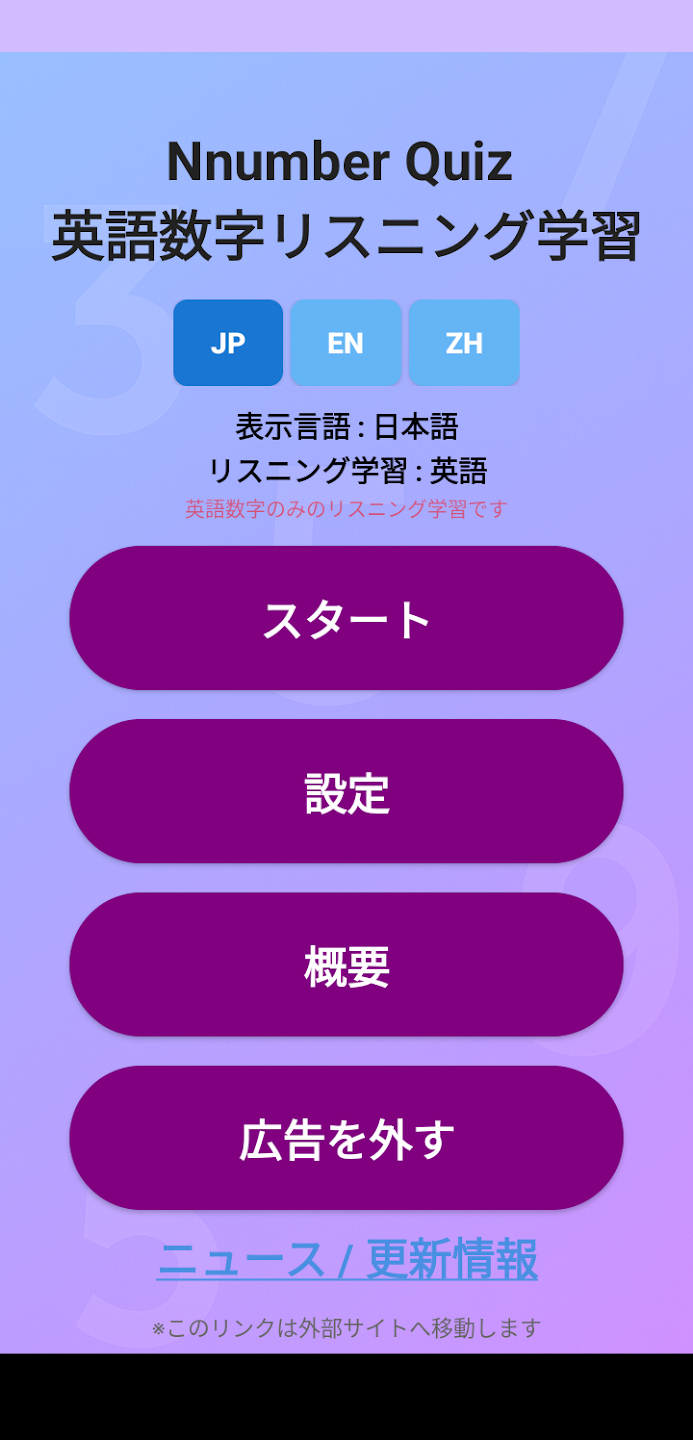
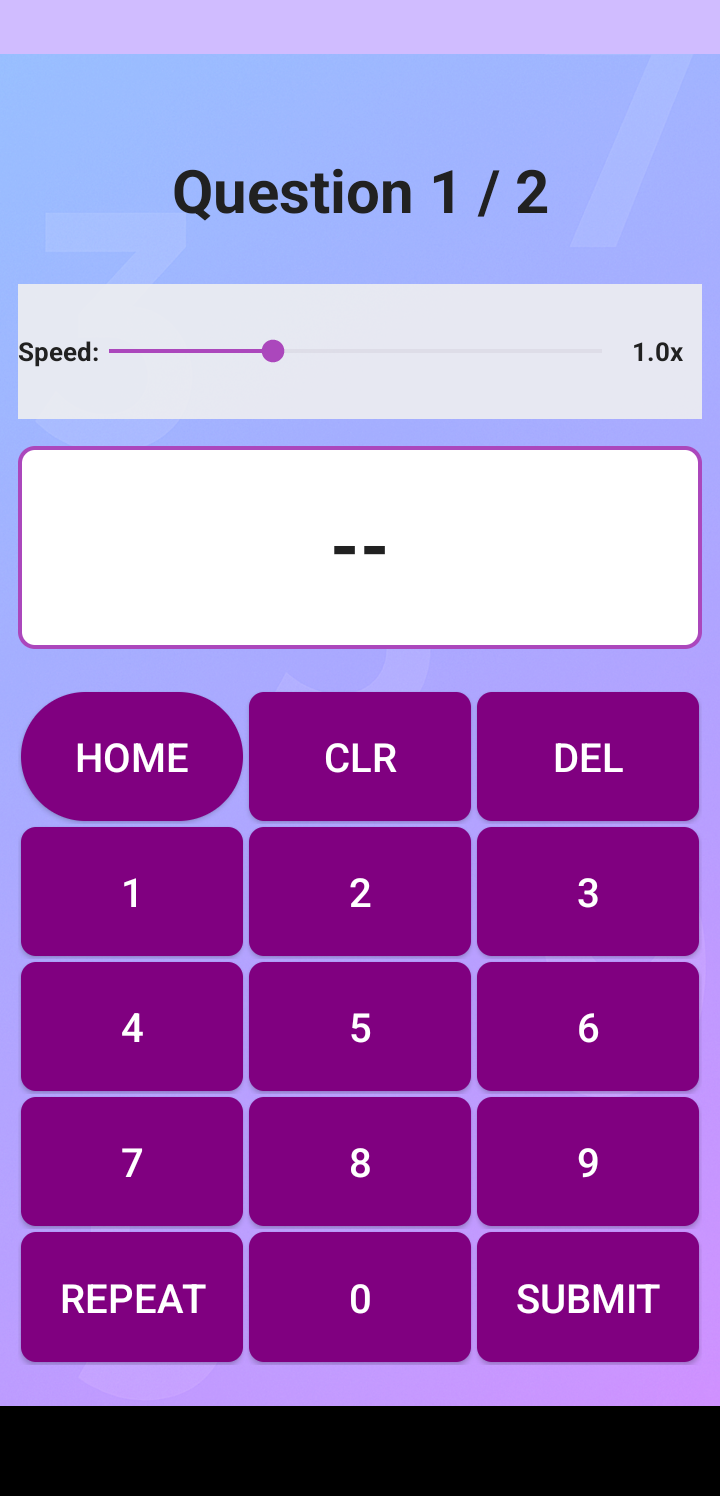
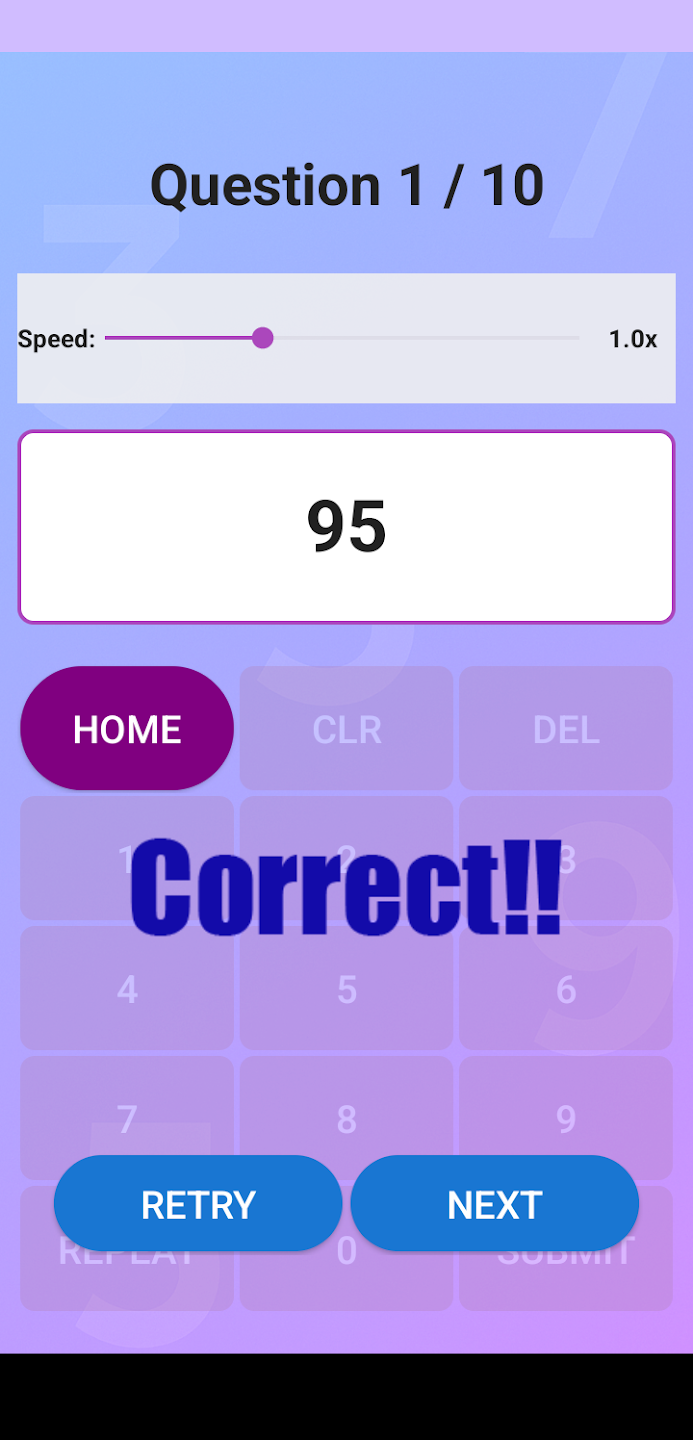
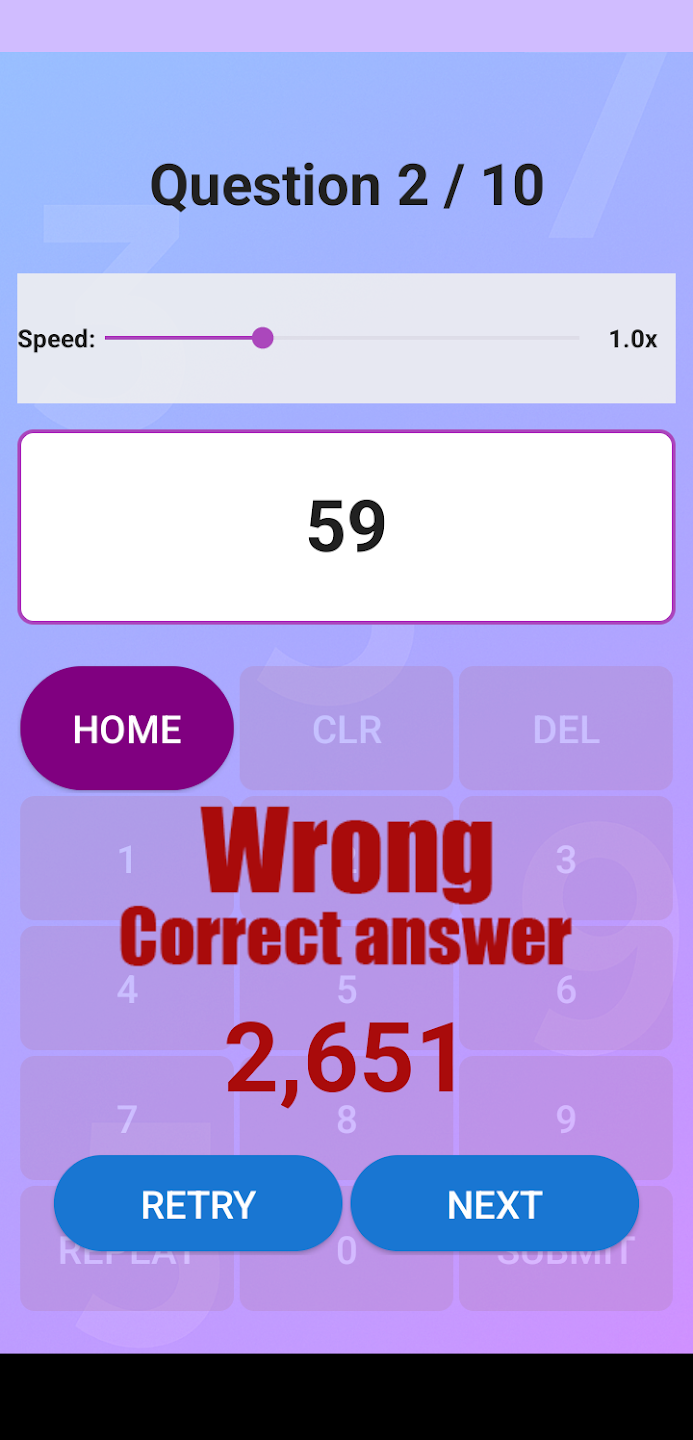
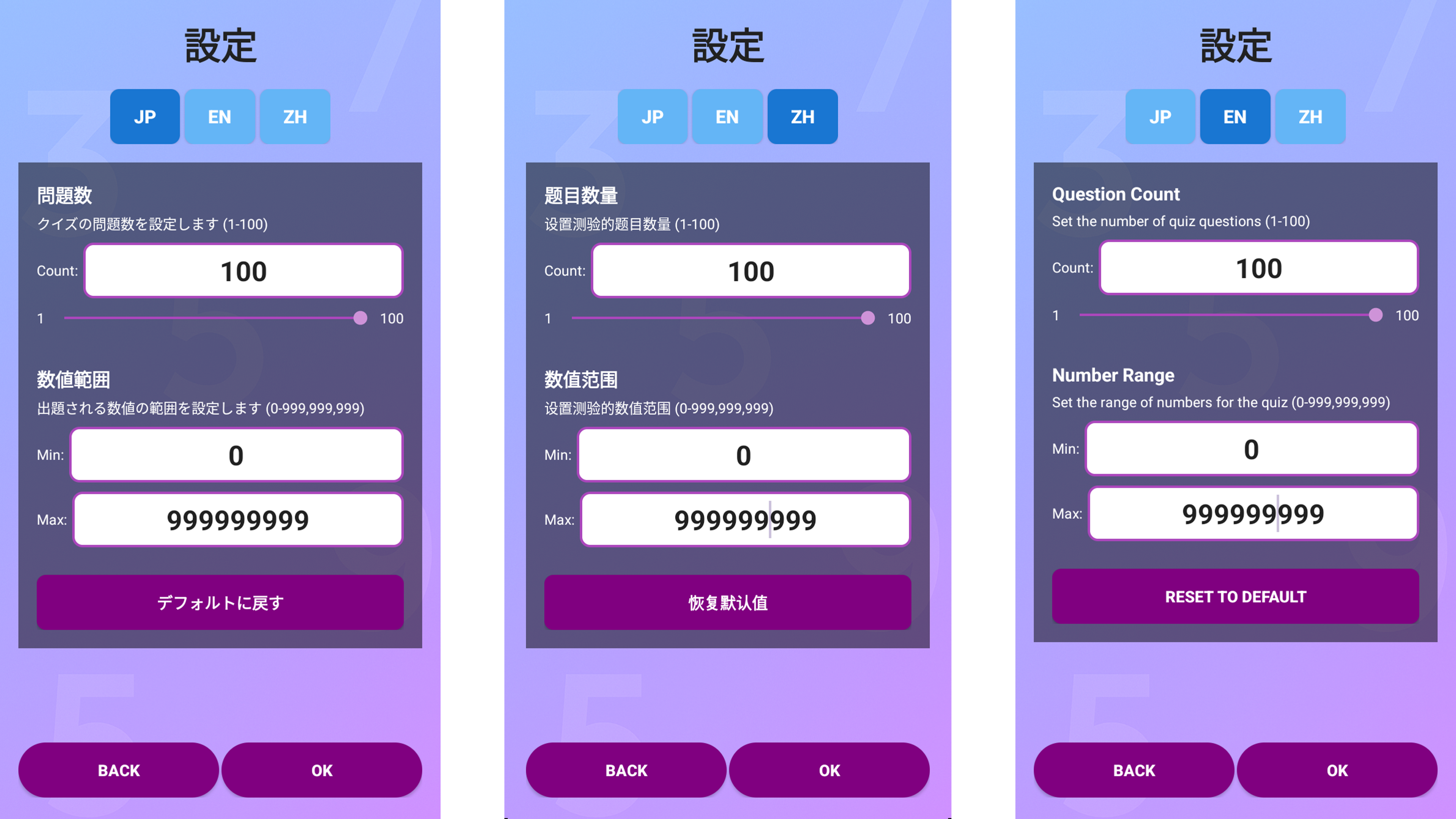
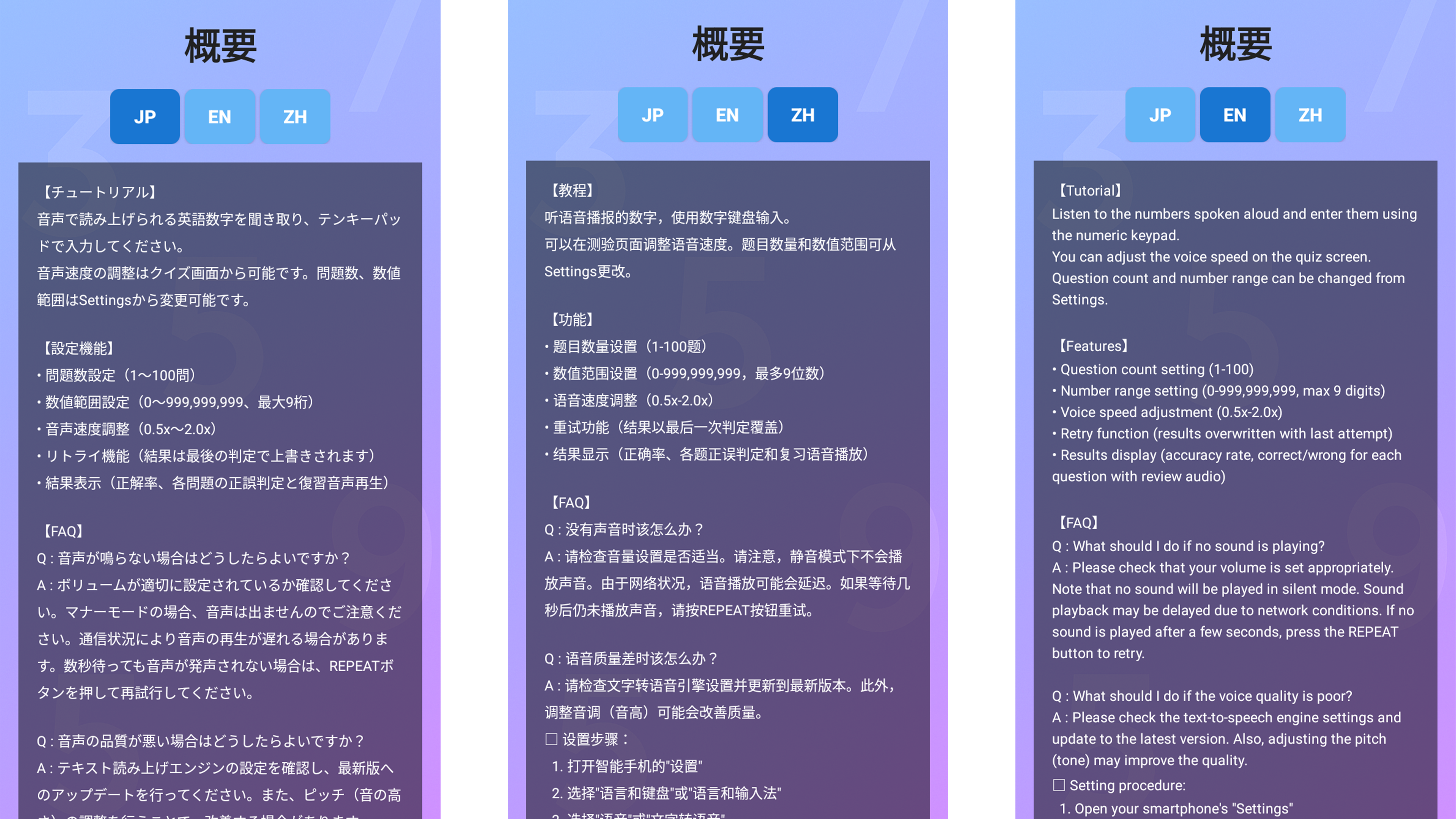
Listen to the numbers spoken aloud and enter them using the numeric keypad. You can adjust the voice speed on the quiz screen. Question count and number range can be changed from Settings.
Features
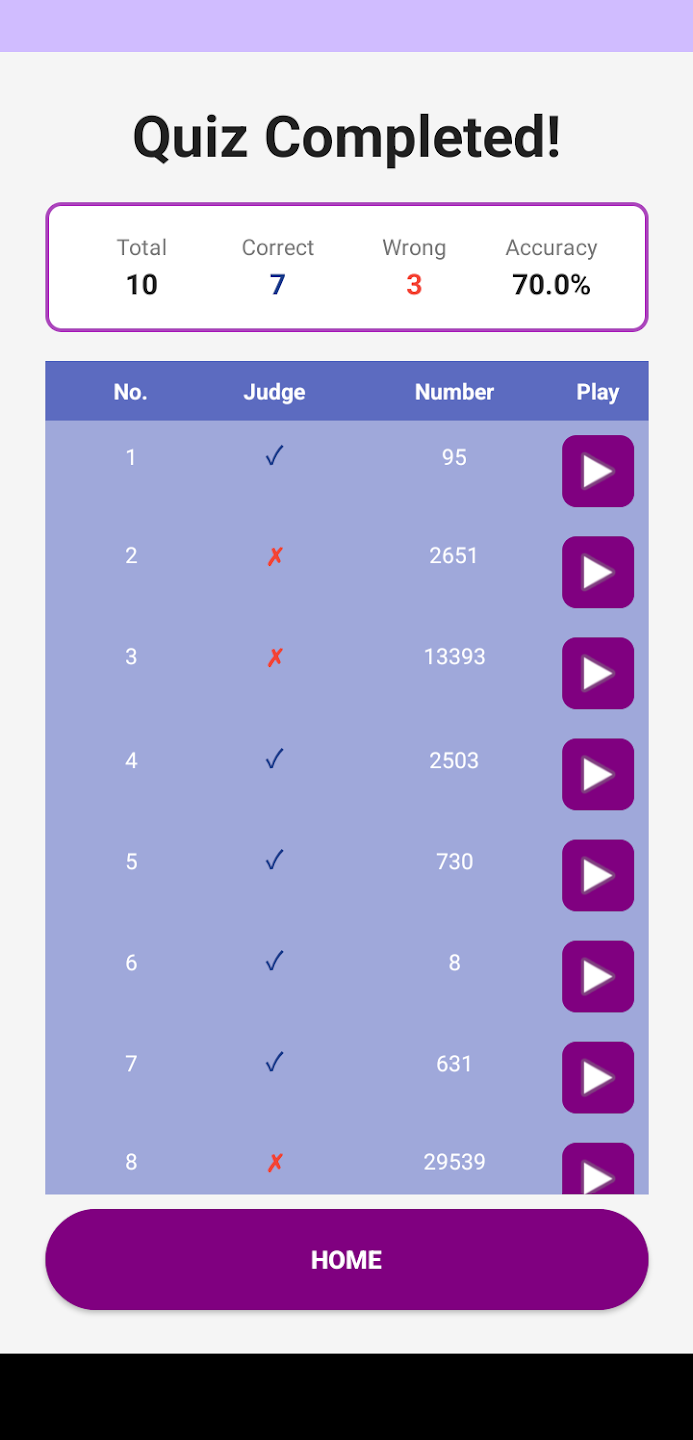
• Question count setting (1-100) • Number range setting (0-999,999,999, max 9 digits) • Voice speed adjustment (0.5x-2.0x) • Retry function (results overwritten with last attempt) • Results display (accuracy rate, correct/wrong for each question with review audio)
FAQ
Q : What should I do if no sound is playing? A : Please check that your volume is set appropriately. Note that no sound will be played in silent mode. Sound playback may be delayed due to network conditions. If no sound is played after a few seconds, press the REPEAT button to retry.
Q : What should I do if the voice quality is poor? A : Please check the text-to-speech engine settings and update to the latest version. Also, adjusting the pitch (tone) may improve the quality. □ Setting procedure:
- Open your smartphone's "Settings"
- Select "Language & Keyboard" or "Language & Input"
- Select "Voice" or "Text-to-Speech"
- Open "Voice Settings" or "Text-to-Speech Output"
- Adjust the "Pitch" slider (setting it slightly to the right of center often sounds more natural)
- Preview with the "Listen" button and adjust to your preference
- Setting methods may vary depending on Android version and device
Q : Is the app completely free? A : Currently provided as a beta version, it is completely free to use. No ads are displayed, but please note that data charges may apply.
Q : What features will be added in the future? A : Multi-language support (Chinese and Japanese number quizzes), gender and tone selection features are planned to be added.